Daily planner
See the day and date, upcoming appointments, reminders, and familiar family photos. Choose a screen schedule, including a dark resting screen overnight.
Keep appointments, medication reminders, shopping and everyday routines together on a clear home screen. Use it yourself. Invite family to help only if you want.
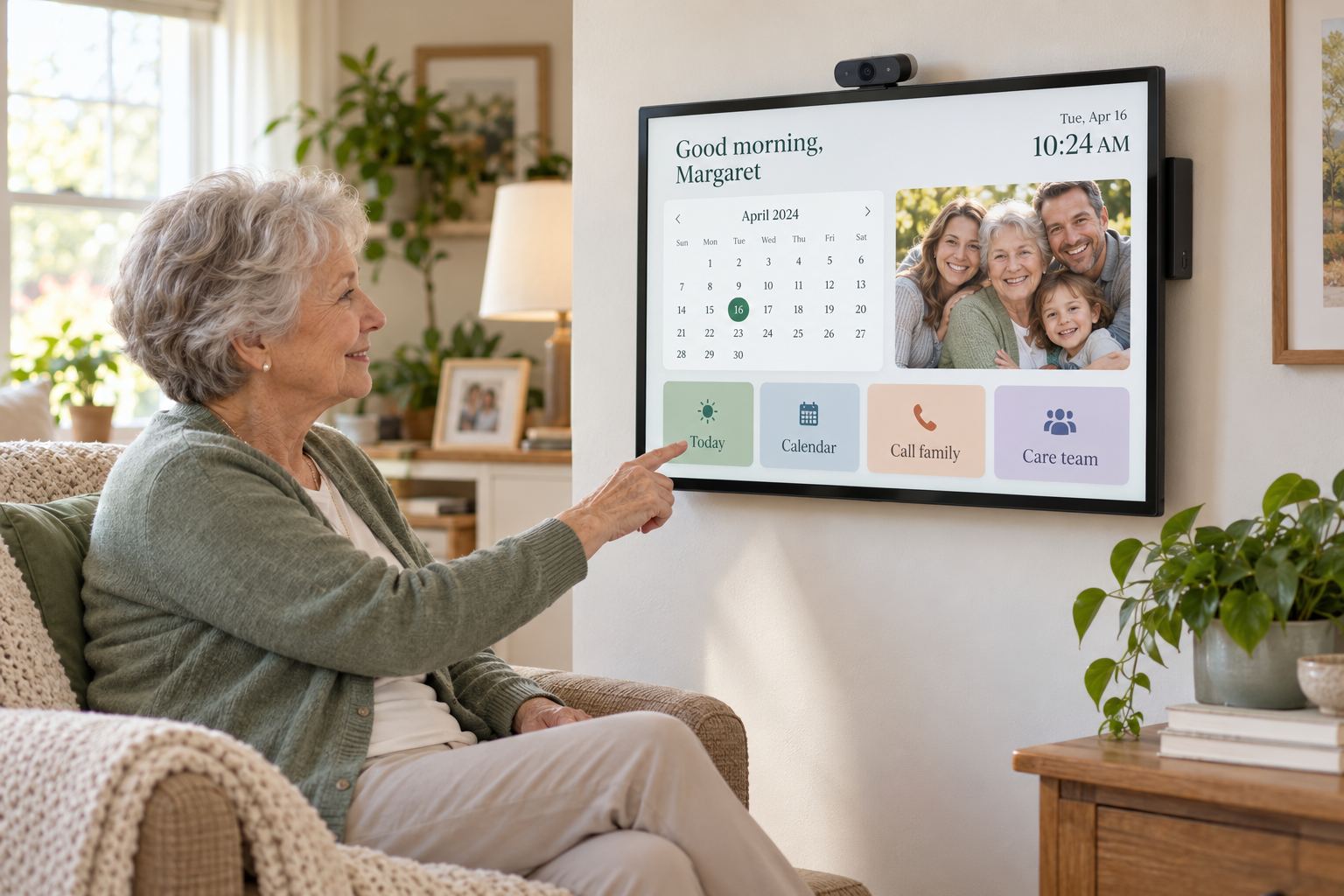
A welcoming home display with large, readable plans and reminders.
Mom sees a clear plan for the day. Family members can help keep the details current from their own phone or computer.
See the day and date, upcoming appointments, reminders, and familiar family photos. Choose a screen schedule, including a dark resting screen overnight.
Show a daily “take your pills” reminder that Mom can confirm. On pillbox day, review the medication list, record refills to pick up, and confirm the seven-day organizer is filled.
Keep appointment details and transportation together, including who is driving. Caregiver schedules can show the assigned person and the visit’s start and finish times.
Caregivers can check in, complete assigned tasks, add notes, and share shopping needs. Families can review the visit update from their plan.
Keep bill due dates and payment notes together, with recurring schedules and reminders for the family to follow up.
Build a shared grocery list, save favorite items, and set repeat reminders for laundry, trash day, and other everyday tasks.
See what’s coming up and what needs attention. Assign tasks to a family member, check them off when done, and keep extra details available when you need them.
See the family dashboardUse the home planner yourself, invite family or caregivers if helpful, and open the family dashboard on a phone or computer.
A calm, simple screen helps make the day easier to follow without searching through calendars and notes.
See the date, what’s coming up, and the reminders you want to keep in view.
Confirm a medicine reminder, check a routine, or add an item to the shopping list.
A trusted family member can help update plans from their phone or computer. You can use the planner on your own, too.
Choose a 24-inch-or-larger touchscreen all-in-one computer for the home planner. It combines the computer and touch display in one unit, with built-in camera, speakers, and microphone for family calls. Place it on its stand or use a compatible wall mount in the kitchen or living room.
Mount the display where it’s easy to see during the day, such as the kitchen or a common living area.
Set the screen on a stable stand in a convenient spot. Move it if your household needs a different location.
Set up your planner account and begin organizing on your existing desktop or laptop. When the touchscreen arrives, sign in to the same planner and continue.
The planned touchscreen package is a 24-inch-or-larger touchscreen all-in-one computer with built-in camera, speakers, and microphone. Package price and ordering details will be shown before checkout opens.
You don’t need special hardware to try the planner. The touchscreen is our recommended home setup.
RecommendedA touchscreen all-in-one computer combines the screen and computer in one unit. Tap large, clear buttons; built-in camera, speakers, and microphone support family calls.
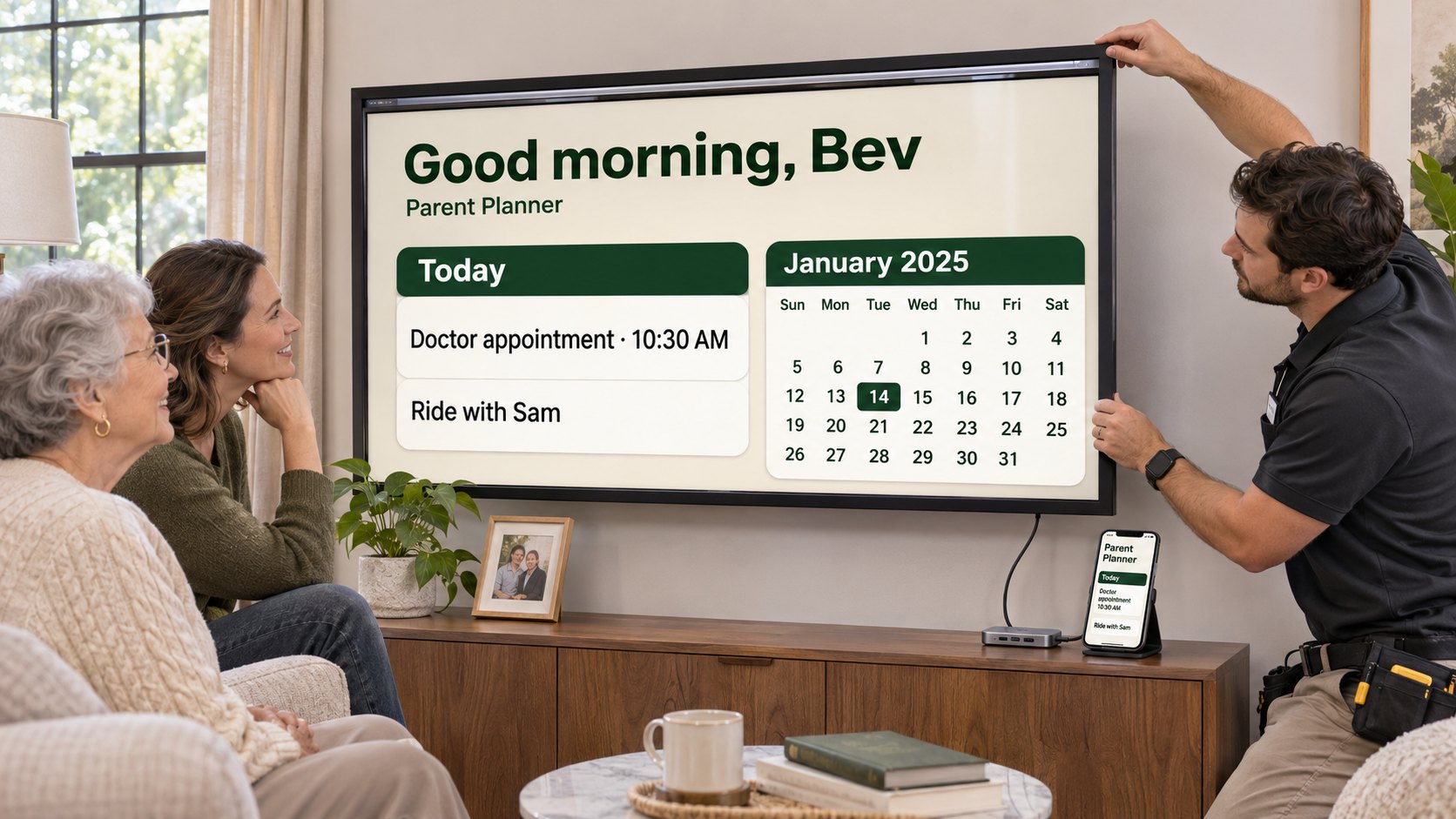 Use a compatible TV
Add a compatible touch frame around a TV, then tap the planner on the big screen. Check the setup guide for fit and compatibility; a computer is also needed to run the planner.
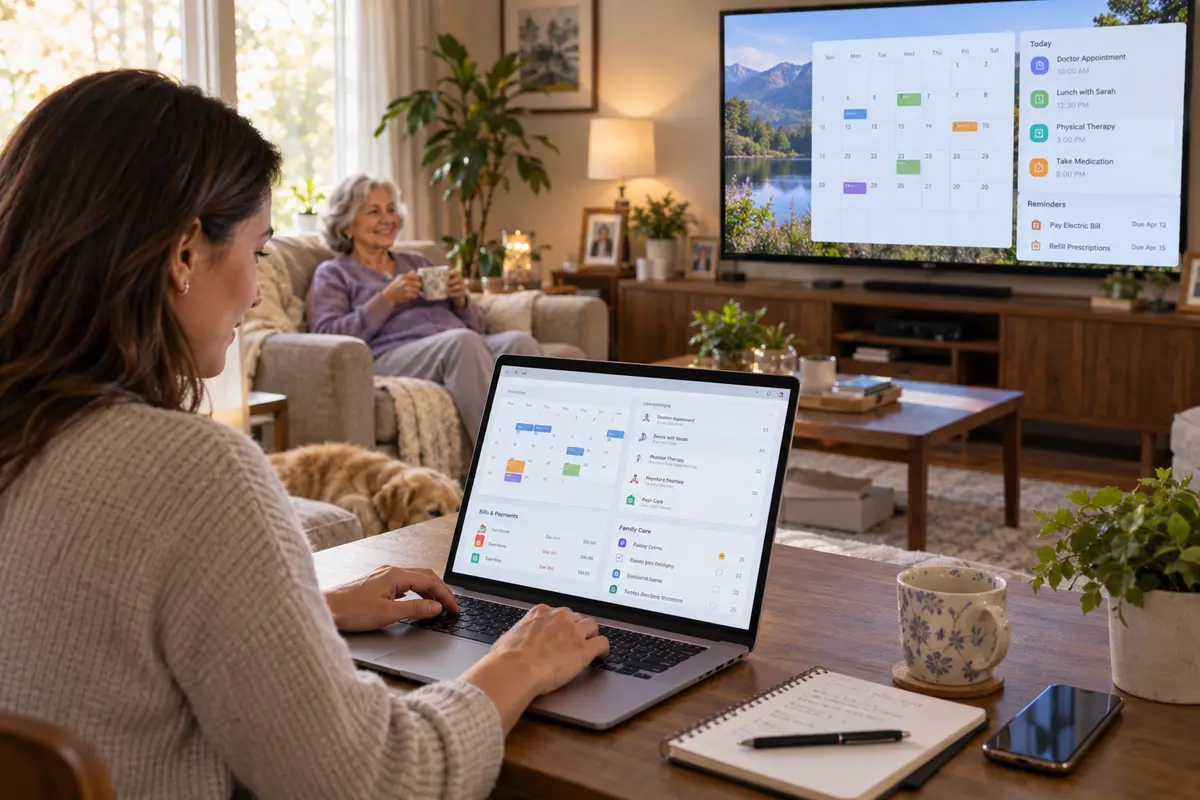 Keyboard and mouse
Use a desktop computer and monitor, or connect a small computer to a TV. Navigate with a keyboard and mouse instead of touching the screen.
A family member can help with appointments, rides, groceries, caregiver visits and reminders from the family dashboard. You choose who to invite. Start on your own and add help later.
Use the planner yourself. Add family or caregiver access if you want help.
We’ll guide you through screen options and explain how family can help.
Get started